
How Accurate Are Slyce Golf’s Indoor Golf Simulators?
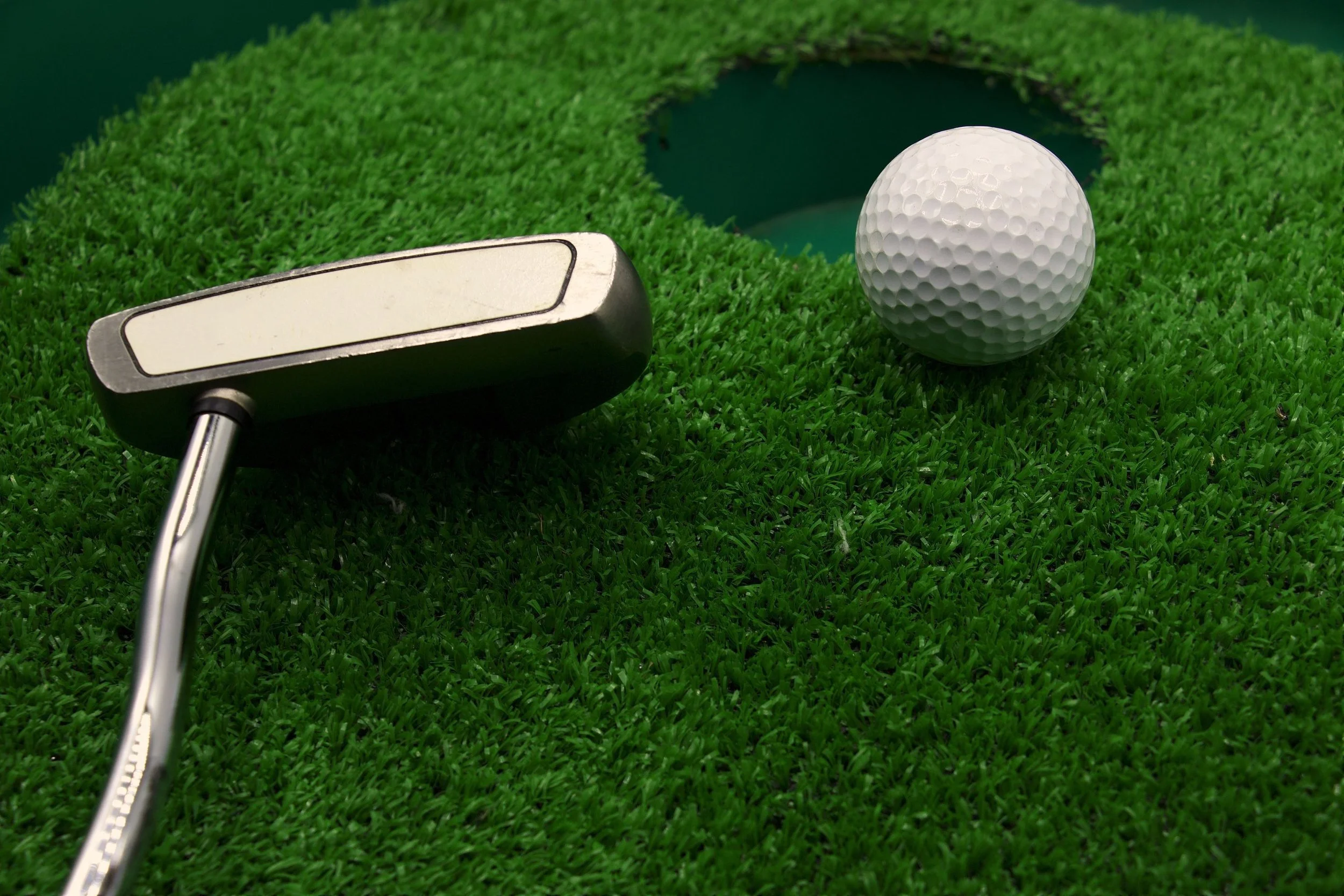
Indoor golf simulators measure ball and club data to recreate how a shot would behave outdoors. They do this by tracking the moment of impact, running those numbers through a physics engine, and then showing ball flight on a screen. Slyce Golf uses performance focused simulator technology that is calibrated for consistency, so players can trust the feedback they see swing after swing.
The right way to think about accuracy is not chasing perfection. Instead, accuracy is about having information that is reliable, repeatable, and helpful for long term improvement.
What Accuracy Really Means in Indoor Golf
When golfers ask how accurate a simulator is, they usually mean one of three things without saying it directly:
Does the ball go roughly the same distance as it would outdoors
Does the shot shape on screen match what I actually did with the club
Can I trust the numbers enough to adjust my swing or club selection
Accuracy indoors is less about matching every outdoor variable and more about building confidence in the relationship between your swing and the feedback. If you hit ten shots that all feel slightly heeled and the simulator shows reduced ball speed, lower carry, and a fade, that is useful accuracy. It confirms what your hands felt and what your eyes would have seen outside.
A good indoor system gives you three things:
Data quality: the numbers are grounded in real measurements
Consistency: the same swing produces the same result pattern
Predictability: when you change something on purpose, you see a clear response
If those three elements are present, you have a simulator that is accurate enough to guide real improvement.
What Simulators Measure and How It Ties to Accuracy
Performance simulators track both ball and club. Each category plays a specific role in how the shot is calculated.
Ball speed is the starting point. It tells you how much energy actually reached the ball. Two golfers can swing at the same club speed but produce different ball speeds if one finds the center and one strikes the heel. Accurate ball speed readings are critical for distance control and gapping.
Launch angle shapes your trajectory. A lower launch angle produces flatter flight and more roll, while a higher launch angle sends the ball higher with more carry and softer landings. If a simulator misreads launch, the entire shot shape looks wrong, even if everything else is perfect.
Spin rate and spin axis control height and curve. Too much backspin and the ball balloons. Too little and it can fall out of the air early. Side spin and axis tilt determine whether you see a fade, draw, slice, or hook. When spin data is right, a push fade, a straight shot, and a pull hook all behave believably on screen.
Club face and path data explain the “why” behind the ball flight. Face angle relative to target line, and path relative to face, tell you if your swing is adding cut, draw, or starting the ball offline. When this is measured properly, the simulator becomes a coaching tool instead of a guessing game.
Carry distance and total distance tie all of those inputs together. Carry is especially important for approach shots, while total distance matters for tee shots and rollout situations. When a player knows their carry numbers indoors, they can make smarter decisions outdoors even if conditions change.
How Close Is It To Outdoor Play?
Simulators do not try to recreate every single outdoor factor. There is no real wind, no uneven lies, no grain in the grass, and no moisture on the face or ball. Instead, they model idealized conditions: flat lies, clean contact, and still air.
That sounds like a limitation, but it is actually a strength for training. You can separate your swing quality from external variables. A solid simulator session answers questions like:
What does my stock 7 iron really carry when I strike it well
How far apart are my wedge distances in controlled conditions
What shape does my driver naturally fly when I swing freely
Outdoors, it can be hard to tell if a shot came up short because of your swing, a gust of wind, or a soft spot on the fairway. Indoors, those outside influences are removed. The result is not a perfect match to the real world, but a clean baseline.
In practice, a well calibrated simulator will usually produce distances and shot shapes that feel very close to outdoor performance for centered strikes. On mishits, it will still show the correct general behavior, even if the exact landing spot might differ slightly from what you see on a real fairway. For training, that level of accuracy is more than enough to refine your game.
Why Calibration and Sensor Type Matter More Than Hype
Two simulators sitting side by side can produce different quality of results depending on how they are set up and what technology they use. The logo on the unit matters less than the underlying tracking method and how well the environment is tuned.
Some systems use radar to track the ball after impact. Others rely on high speed cameras to read the ball and club right at the moment of collision. Some mix multiple technologies. Lighting, screen placement, and even how reflective certain surfaces are can influence the quality of the read.
If the ball is not positioned inside the designed hitting zone, readings can be off. If the software’s ball flight model is not configured correctly, carry distances can skew long or short. If calibration is ignored over time, gradual drift can appear where numbers slowly stop lining up with reality.
Facilities that are serious about golf simulator technology monitor these variables, run periodic checks, and adjust as needed. That is where Slyce Golf’s approach fits: treat the simulator like a measurement tool, not a toy. Keep the environment controlled, maintain the hardware, and check readings against known patterns and player feedback.
Accuracy As A Tool For Improvement
From a coaching and development perspective, the most important thing is not whether one shot reads two yards longer or shorter than reality. It is whether the simulator consistently reflects what the golfer is doing with the club.
If every time you leave the face slightly open, the simulator shows a start line right of target and a gentle fade, your brain begins to connect cause and effect. If you work on closing the face relative to path and the pattern tightens, you can be confident that your change is real, not imaginary.
Accuracy helps you:
Tighten dispersion by showing where misses group
Refine distance gapping by giving you repeatable carry numbers by club
Experiment with ball position or swing cues and watch how numbers move
Confirm that swing changes are having the intended effect
Instead of staring at one perfect shot, you start looking at trends over 10, 20, or 50 swings. This is where simulators become powerful training tools.
When To Question a Reading
Even the best systems occasionally display something that does not feel right. The important part is knowing when to trust your instincts and when to give the simulator another chance.
Examples that may justify a quick reset:
You clearly hit the ball heavy, but the simulator shows perfect numbers and a long carry
You know you absolutely flushed a shot and the system returns an unusually short distance
Someone moved the ball forward or back from the hitting zone and readings suddenly look inconsistent
Lighting changed in the room or a sensor was partially obstructed
In these cases, checking ball position, confirming nothing is blocking the sensors, and hitting another shot is often enough to clear things up. If issues persist, that is when staff can review calibration and setup.
The key is this: occasional odd readings do not discredit the tool. Outdoor golf has its own strange bounces and gusts. What matters is whether your overall session paints a truthful picture of your game.
Who Benefits Most From Accurate Indoor Data
Accurate indoor simulators support different player types in specific ways.
Competitive golfers use them to validate yardages and shot patterns under pressure. They can rehearse course management decisions, work on specific trajectories, and see how small technical changes affect carry numbers.
Mid handicappers use the data to move from guesswork to understanding. Instead of saying “I think my 8 iron goes about 140,” they can know their typical carry, their miss pattern, and their consistent tendencies.
New golfers benefit by seeing why the ball curves the way it does. They build a language for feedback. Terms like face angle, path, launch angle, and spin start to mean something concrete, not abstract concepts.
Busy players, who may not have time for full outdoor rounds, can keep their rhythm and body patterns sharp in focused simulator sessions. They can maintain a connection to the game, which makes the transition back to the course smoother when time and weather allow.
Testing Accuracy For Yourself
One of the best ways to evaluate simulator accuracy is to treat a session as a mini experiment. Bring the clubs you know best. Hit a series of shots with a familiar iron and a familiar wedge. Watch not only the distances, but the shape, the launch windows, and the way your mishits behave.
You are looking for alignment between feel and feedback. When those match, you know the system is accurate enough to support your goals.
If you want to discuss how the systems at Slyce Golf are calibrated, how they handle different clubs, or how to structure a session that validates your yardages, you can contact Slyce Golf to set up time that focuses on testing, not just playing.